





YouTube Video Editing
YouTube Video Editing: How to Create Engaging Videos That Grow Your Channel
YouTube has become an important platform for creators, businesses, educators and brands that want to share information, entertain audiences and promote their services. However, publishing a video involves more than recording footage and uploading it. The way a video is edited can make a significant difference to how clearly the message is communicated and how enjoyable the content is to watch.
Good YouTube video editing helps remove unnecessary pauses, improve audio clarity, organise information and maintain a consistent visual style. It can also make complicated topics easier to understand through captions, graphics, screen recordings and other visual elements.
Whether you create educational videos, product reviews, tutorials, podcasts, gaming content or business presentations, a thoughtful editing process can help you deliver a more professional result.
In this guide, we will explore the key elements of YouTube video editing, explain how to improve viewer experience and outline how creators can choose an editing workflow that suits their channel.
1. Why YouTube Video Editing Matters
Editing transforms raw footage into a structured video with a clear beginning, middle and end. It helps creators communicate their ideas efficiently while maintaining an appropriate pace and style.
Effective editing can offer several benefits:
- Clearer storytelling: Arrange footage so viewers can follow the main message.
- Better pacing: Remove unnecessary repetition, long pauses and distracting sections.
- Improved audio quality: Reduce distracting background noise and balance sound levels.
- Stronger visual presentation: Use appropriate transitions, graphics, titles and supporting footage.
- Greater accessibility: Add accurate captions and other elements that help viewers understand the content.
- Consistent branding: Maintain a recognisable style across a channel’s videos.
Professional editing cannot guarantee more views or subscribers. Performance also depends on the topic, audience demand, video packaging, viewer satisfaction, competition and other factors.
The objective should be to make videos more useful, engaging and accessible—not to add effects simply because they look impressive.
2. Essential Elements of a Well-Edited YouTube Video
The right editing style depends on the type of video being produced. A documentary, tutorial, gaming video and business presentation may require very different techniques.
Nevertheless, several principles apply to most formats.
Create a strong opening
The beginning of a video should help viewers understand what the content offers and why it is worth watching.
Avoid unnecessarily long introductions before explaining the subject. For educational or business videos, start with the question being answered, the problem being solved or the result viewers can expect to learn about.
An opening should be engaging without making misleading promises or exaggerating what the video delivers.
Maintain a natural pace
Remove unnecessary pauses, repeated statements and irrelevant sections that interrupt the flow of the content.
However, cutting every pause can make speech sound unnatural. Some topics require time for viewers to process information, especially when a video includes technical instructions or detailed demonstrations.
The best pacing supports the purpose of the video and respects the audience’s ability to follow along.
Prioritise clear audio
Audio quality is one of the most important parts of the viewing experience. Viewers may tolerate simple visuals, but distracting noise, inconsistent volume or difficult-to-understand speech can make a video frustrating.
Useful editing tasks include:
- Reducing background noise where possible.
- Balancing voice levels.
- Removing distracting microphone sounds.
- Keeping music at a suitable level beneath speech.
- Checking that dialogue remains clear throughout the video.
Audio processing should be applied carefully. Excessive noise reduction or compression can introduce unnatural artefacts.
Use visuals to explain, not distract
Supporting footage, screen recordings, diagrams and graphics can help explain ideas that are difficult to communicate through speech alone.
For example, a software tutorial may benefit from clear screen recordings and zoomed-in demonstrations. A product review might use close-up shots to show specific features.
Transitions and animations should support the content rather than distract viewers from it. Consistency is generally more effective than using a different effect for every scene.
Add accurate captions
Captions help viewers who are deaf or hard of hearing, people watching without sound and those who benefit from reading along.
Automatic captions can save time, but they may misinterpret names, technical terms or accents. Review and correct captions before publishing, particularly when accuracy is important.
Ensure that on-screen text is readable, appears long enough to be understood and does not obscure essential visual information.
3. A Practical YouTube Video Editing Workflow
A repeatable workflow helps creators work more efficiently and maintain consistent quality.
Step 1: Organise the footage
Before editing, arrange video clips, audio files, graphics, music and other assets into clearly named folders.
Review the footage and identify the strongest takes, useful supporting shots and sections that need to be removed. Keeping files organised reduces the risk of losing assets or wasting time searching for the correct clip.
For longer projects, a simple shot list or editing outline can help maintain structure.
Step 2: Build the main sequence
Start by arranging the core footage in the intended order. Focus on the story, instructions or argument before adding elaborate effects.
For a tutorial, this might mean arranging the steps in the correct sequence. For an interview, it could involve removing repetition and grouping related answers.
Review the sequence from beginning to end to make sure it makes sense without relying on decorative elements.
Step 3: Refine the cuts and pacing
Tighten the sequence by removing unnecessary material and improving transitions between ideas.
Check that cuts do not interrupt words, remove important context or create confusing changes in visual continuity.
If a section feels slow, consider whether the problem is unnecessary footage, unclear explanations or a lack of supporting visuals. Different problems require different solutions.
Step 4: Improve audio and visuals
Once the main edit is established, adjust audio levels, correct distracting visual inconsistencies and add supporting footage or graphics where useful.
Apply colour correction when clips have noticeably different exposure or colour balance. Use colour grading to create a consistent style when appropriate.
Add music only when it supports the content, and make sure you have the necessary rights or licences for any music, footage, images and other assets used.
Step 5: Add captions, titles and branding
Include captions, lower thirds, chapter markers or other graphics when they improve understanding.
Use consistent fonts, colours and layouts to make the channel’s videos feel connected. Keep branding professional and unobtrusive so the content remains the focus.
Check that text is readable on smaller screens and that important information is not positioned where platform interface elements may obscure it.
Step 6: Export and review the final video
Choose export settings appropriate for the footage and intended upload. Check resolution, frame rate, audio quality, file format and overall file size.
Watch the exported file before uploading it. Editing previews may not reveal every problem in the final export.
Look for missing frames, audio clipping, spelling errors, black screens, accidental cuts and inconsistent volume. A final quality check can prevent avoidable problems after publication.
4. How to Edit Different Types of YouTube Content
Different video formats benefit from different editing approaches. Matching the style to the content helps keep production efficient and the final result appropriate.
Educational videos and tutorials
Educational content should be easy to follow. Use clear chapter structures, screen recordings, examples and captions to help viewers understand each step.
Avoid unnecessary effects that make it harder to concentrate on the lesson. When instructions involve software or technical procedures, show the relevant details clearly and keep demonstrations accurate.
Talking-head and business videos
Videos featuring a presenter benefit from clear speech, consistent framing and natural pacing.
Use supporting footage to illustrate important points, and consider adding subtle titles or graphics when introducing a new topic. Avoid overusing jump cuts if they make the delivery feel distracting or unnatural.
Podcasts and interviews
Podcast editing often involves removing distracting interruptions, reducing unwanted noise and balancing speakers’ audio levels.
When video is included, use camera changes or supporting visuals where appropriate. Preserve the meaning and context of the conversation, and do not edit statements in a way that misrepresents what a speaker said.
Gaming and entertainment videos
Gaming content may benefit from tighter pacing, clear commentary, well-timed reactions and selective highlights.
The editing style should match the creator’s personality and the audience’s expectations. Excessive effects, loud audio changes or constant visual interruptions can become tiring, so use them selectively.
Shorts and other vertical videos
Short-form content generally needs a focused idea and a clear presentation that works on a small screen.
Use vertical framing where appropriate, keep captions readable and remove unnecessary setup. Ensure that the video remains understandable even when viewers encounter it without prior context.
A short video should still deliver the promise made by its opening rather than relying solely on attention-grabbing edits.
5. How to Choose a YouTube Video Editing Service
Some creators prefer to edit their own videos, while others benefit from outsourcing some or all of the editing process.
A suitable editing service can be particularly useful when production demands increase, deadlines become difficult to manage or the creator wants to focus on recording and developing new content.
Before choosing a provider, consider these factors.
Relevant experience: Review examples of work similar to your content format. Editing a podcast requires different skills from editing gaming highlights or educational tutorials.
Editing scope: Clarify whether the service includes basic cuts, audio cleanup, colour correction, captions, graphics, background music, Shorts or other deliverables.
Video length and complexity: A ten-minute tutorial with simple cuts may require a different workflow from a heavily produced video with animation and multiple camera angles.
Communication and revisions: Agree on how you will provide footage, share feedback and request changes. Confirm how many revisions are included and whether additional work costs extra.
Delivery format: Specify the required resolution, aspect ratio, frame rate, file format and any project files you need.
Copyright and licensing: Confirm that you have appropriate rights to the footage, music, images and other assets used. Clarify who is responsible for sourcing and licensing third-party material.
Deadlines and pricing: Establish realistic delivery dates, the payment structure and what happens if the scope changes.
Ownership and confidentiality: Confirm how source files and final exports will be delivered, who owns the completed work and how confidential footage will be handled.
A clear agreement helps reduce misunderstandings and makes it easier to maintain a consistent publishing schedule.
Where to Find Era24UK’s Video Editing and Digital Services
If you are exploring video editing, website promotion or related digital services, the following publicly accessible Era24UK profiles and listing can serve as starting points:
- SEOClerks profile: Era24UK on SEOClerks
- LinkedIn profile: Era24UK on LinkedIn
- Website traffic listing: 100K USA Organic Traffic listing
These links are starting points for reviewing publicly available information. The website traffic listing relates to website traffic and should not be assumed to include YouTube video editing.
Before purchasing a service, contact the provider to confirm whether video editing is currently available and ask about supported formats, video length, editing scope, turnaround time, revisions, pricing and final file delivery.
Summary: Which Service Is Right for You?
| Your goal | Most relevant service |
|---|---|
| Build a new website | Website development |
| Fix or manage an existing WordPress site | WordPress support and maintenance |
| Improve Google search visibility | SEO |
| Improve visibility in AI-powered search | GEO, AEO, AIO and LLM optimisation |
| Attract customers through online campaigns | Digital marketing |
| Send newsletters and promotional emails | Email marketing |
| Edit videos for a YouTube channel | YouTube video editing |
| Resolve hosting, domain or server issues | Hosting and technical support |
| Maintain a website’s functionality and security | Website maintenance and security |
| Increase visits or configure website monetisation | Traffic and monetisation support |
Conclusion
YouTube video editing plays an important role in transforming raw footage into clear, engaging and professional content. By improving pacing, audio, visuals and accessibility, creators can provide a better experience for their viewers.
A reliable workflow begins with organised footage and a strong content structure, followed by careful editing, audio and visual adjustments, captions and a final quality check. The editing approach should always suit the video’s purpose and target audience.
Whether you edit your own videos or work with a professional, focus on clarity, consistency and usefulness. These principles can help you produce content that represents your brand well and supports your long-term YouTube goals.
SEO Publishing Details
SEO title: YouTube Video Editing: Create Engaging Videos That Grow
Meta description: Learn how to edit YouTube videos with better pacing, clear audio, captions and professional visuals. Discover editing workflows, content-specific tips and service selection advice.
Suggested URL slug: youtube-video-editing-guide
Primary keyword: YouTube video editing
Related keywords: professional YouTube editing, YouTube editing services, video editing workflow, YouTube content creation, video editing for creators, YouTube channel growth
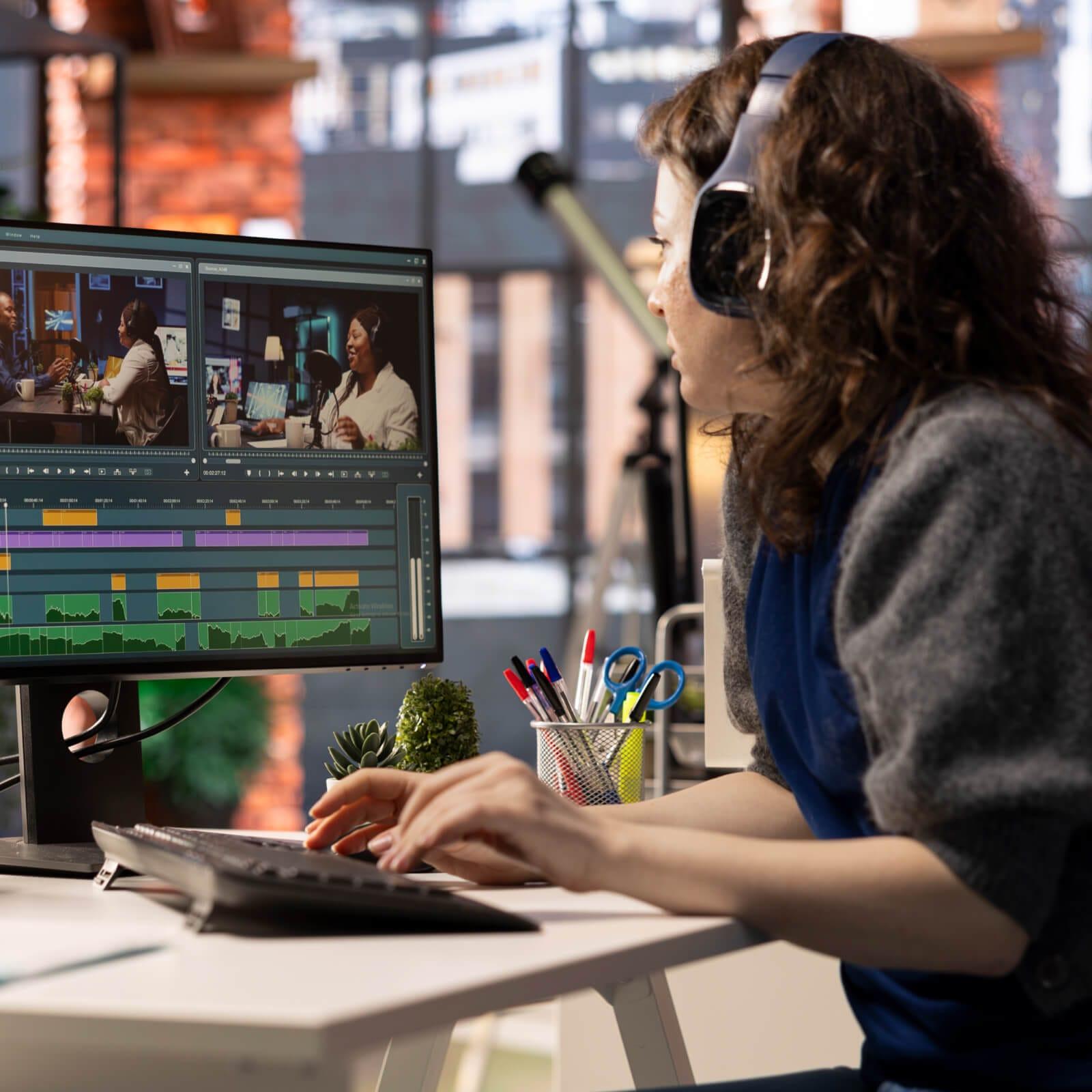
Suggested featured image concept: A professional video editing workspace featuring a large monitor with a generic multitrack video timeline, preview footage, audio waveforms and editing controls, alongside a pair of headphones. Use a modern studio aesthetic with realistic lighting, no readable text, no platform logos and no watermarks.


Leave a comment