




Website Development
How to Build a Professional Website for Your Small Business in 2026
A professional website is an important asset for any small business that wants to establish an online presence, attract potential customers, and build credibility. Whether you provide professional services, sell products, or operate a local business, your website can help people discover what you offer and understand why they should choose your business.
However, creating an effective website requires more than an attractive design. You also need to consider usability, mobile responsiveness, website speed, security, and search engine optimisation (SEO).
In this guide, we’ll explain how to plan and build a professional business website, identify essential features, and choose a development approach that supports your goals.
1. Define Your Website Goals and Target Audience
Before starting website development, identify what you want your website to achieve.
Some businesses need a simple website that introduces their services and generates enquiries. Others require an online shop, appointment booking system, customer portal, or content publishing platform.
Start by answering these questions:
- Who is your target audience?
- What products or services do you offer?
- What information will visitors need?
- What action should visitors take?
- What is your development and maintenance budget?
Your answers will help determine the website’s structure, functionality, and design.
For example, a consulting business might need service pages, testimonials, a professional portfolio, and a contact form. An online retailer may need product listings, a shopping cart, payment processing, and order management.
Defining your requirements early can reduce unnecessary development work and help you invest in features that support your business objectives.
2. Choose the Right Website Development Approach
The right development approach depends on your budget, technical requirements, and plans for future growth.
Website builders
Website builders provide templates and visual editing tools that make it easier to create a website without extensive coding knowledge. They can be suitable for freelancers, startups, and businesses with straightforward requirements.
However, you should check whether the platform supports the features, integrations, and flexibility your business needs.
WordPress development
WordPress is a flexible content management system that supports business websites, blogs, portfolios, and online stores. Businesses can use themes and plugins to add functionality, although careful configuration and ongoing maintenance are important.
Custom website development
Custom development can be appropriate when your business needs specialised features, complex integrations, or a highly tailored user experience.
The development process may require more time and investment, depending on the project’s complexity.
Before making a decision, compare the initial costs, ongoing expenses, maintenance requirements, and flexibility of each option.
3. Include the Essential Features of a Professional Website
A successful business website should make it easy for visitors to find information and complete important actions.
Consider including the following features.
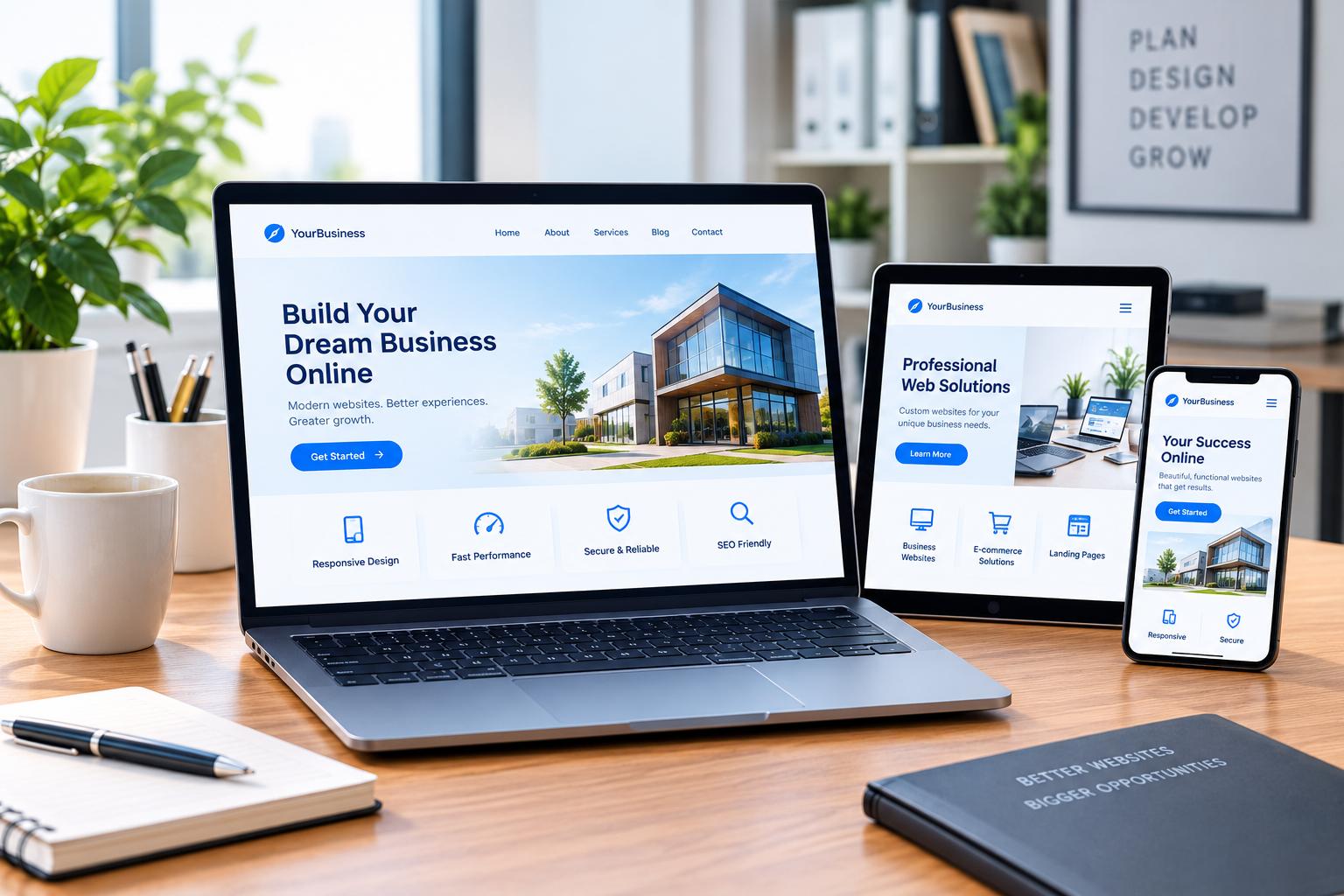
Mobile-responsive design: Your website should adapt to smartphones, tablets, and desktop computers.
Clear navigation: Organise pages logically so visitors can find your services, business information, and contact details.
Fast loading speed: Optimise images, use suitable hosting, and avoid unnecessary scripts or plugins.
Useful content: Explain your services clearly and answer the questions your potential customers are likely to ask.
Calls to action: Provide clear next steps, such as requesting a quotation, booking a consultation, or submitting an enquiry.
Contact information: Make it easy for customers to reach you through appropriate contact methods.
Security features: Use HTTPS, strong authentication, secure configurations, and appropriate software updates.
Search-friendly structure: Use descriptive page titles, meaningful headings, relevant internal links, and accessible content.
The features you need will depend on your business model, but the overall goal should remain the same: provide a reliable, accessible, and useful experience.
4. Improve Website Performance, SEO, and Security
Building a website is only the beginning. You also need to make sure it performs reliably and can be maintained over time.
Website performance
Slow pages can frustrate visitors. Compress images, review unnecessary plugins, optimise scripts, and choose hosting that meets your website’s requirements.
Test your website on different devices and network conditions to identify performance problems.
Search engine optimisation
SEO helps search engines understand your website and can improve its visibility for relevant searches.
Start with useful, original content that addresses your audience’s needs. Use relevant keywords naturally, write descriptive page titles, organise content with logical headings, and create internal links between related pages.
Technical considerations, such as crawlability, indexing, mobile usability, and page performance, also matter. Following SEO best practices does not guarantee specific rankings, but it provides a stronger foundation for organic search visibility.
Website security
Keep your website software updated and maintain regular backups. Use appropriate access controls and monitor your website for unusual activity.
If your website collects personal information or processes payments, pay particular attention to data protection, secure forms, and payment security.
Ongoing maintenance
Plan for updates, performance checks, broken-link reviews, and content improvements after launch. Assign responsibility for these tasks so your website remains functional and useful.
5. Plan for Long-Term Business Growth
Your website should support your business as it develops.
Start with the features you genuinely need, but consider how your requirements might change. You may eventually want to add new service pages, publish articles, integrate marketing tools, accept online payments, or expand into new markets.
Review website analytics to understand how visitors arrive at your site and which pages attract attention. Use enquiry forms, customer feedback, and conversion data to identify opportunities for improvement.
You should also establish a realistic budget for hosting, domain renewal, maintenance, security, and future development.
If you lack the time or technical expertise to manage these responsibilities, professional website development and support services may help you maintain your online presence.
The best website is not necessarily the most complicated or expensive. It is the one that meets your business needs, serves your customers effectively, and can be managed sustainably.
Conclusion
Building a professional website involves careful planning, the right technology, useful content, and ongoing attention to performance and security.
By defining your goals, choosing an appropriate development approach, prioritising user experience, and planning for maintenance, you can create a website that supports your business’s online presence.
Take time to evaluate your requirements before beginning development. A clear plan will help you avoid unnecessary complexity and make more informed decisions about your website investment.
Summary: Which service is right for you?
| Your goal | Most relevant service |
|---|---|
| Build a new website | Website development |
| Fix or manage an existing WordPress site | WordPress support and maintenance |
| Improve Google search visibility | SEO |
| Improve visibility in AI-powered search | GEO, AEO, AIO and LLM optimisation |
| Attract customers through online campaigns | Digital marketing |
| Send newsletters and promotional emails | Email marketing |
| Edit videos for a YouTube channel | YouTube video editing |
| Resolve hosting, domain or server issues | Hosting and technical support |
| Maintain a website’s functionality and security | Website maintenance and security |
| Increase visits or configure website monetisation | Traffic and monetisation support |
Where to find Era24UK’s service listings
The following pages provide starting points for checking publicly available information about Era24UK and its associated service listings.
- Era24UK’s associated SEOClerks profile: Explore marketplace service listings and seller information.
SEOClerks profile - Era24UK’s associated LinkedIn profile: Review professional information and service-related posts.
LinkedIn profile - Era24UK’s 100K USA traffic listing: Review the specific traffic service description carefully before making a purchase decision.
100K USA traffic listing
These pages are starting points for researching the associated listings. Confirm service availability, prices, delivery terms, and conditions directly with the provider before purchasing.
Disclaimer: This article provides general educational information about website development. The appropriate solution depends on your business requirements, budget, and technical needs.


Leave a comment